
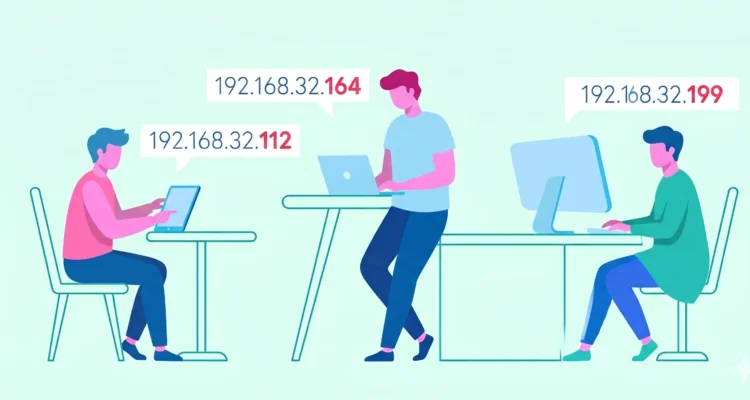
How to Find Your IP Address
Every device connected to the internet has a unique digital fingerprint called an IP address. Whether you’re troubleshooting, setting up a server, or just curious, here’s your ultimate guide to finding and understanding your public IP address – with visuals!
What Is an IP Address? (Visual Explanation)
Definition: An IP (Internet Protocol) address is a unique identifier assigned to every device connected to a computer network.
IP Address Structure (IPv4 vs. IPv6)
The easiest way to understand it is to think of it as a digital mailing address.
Just as the postal service needs your physical address to deliver a package to your house.
Internet routers need your IP address to know exactly where to send data (like an email, a webpage, or a video stream) to your specific device.
| IPv4 | IPv6 |
|---|---|
192.168.1.1 | 2001:0db8:85a3:0000:0000:8a2e:0370:7334 |
| 32-bit, 4.3 billion possible addresses | 128-bit, virtually unlimited addresses |
(Most home networks still use IPv4, but IPv6 is growing!)
Public vs. Private IP Addresses
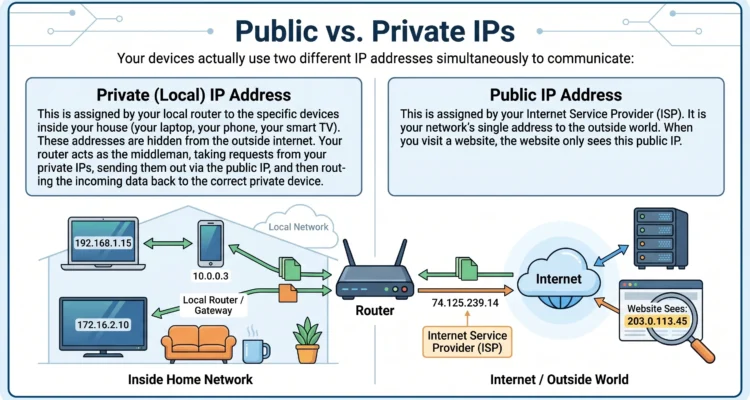
Key Differences:
| Feature | Public IP | Private IP |
|---|---|---|
| Visibility | Internet-facing | Local network only |
| Example | 98.76.54.32 | 192.168.1.100 |
| Who Assigns? | ISP | Your router |
3 Ways to Find Your Public IP (With Screenshots)
Method 1: Google It (Easiest!)
- Go to google.com
- Type “what is my IP address”
- See your IP at the top: It will show you your public ip details
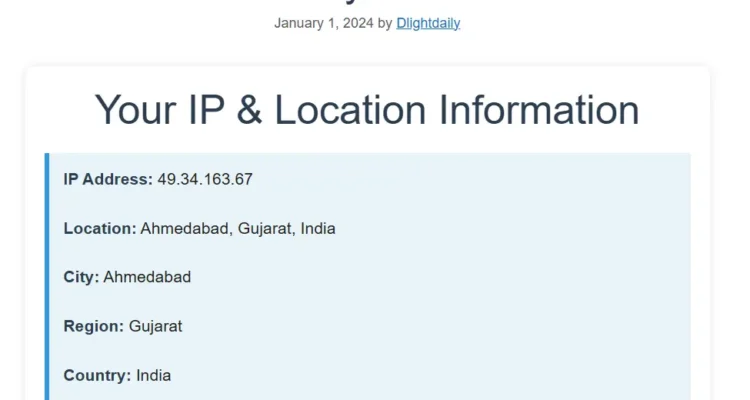
Method 2: Use an IP Lookup ipv4 Websites
Find IP sites below
- WhatIsMyIP.com (Shows IP + location)
- IPinfo.io (Detailed IP data)
- What is MY IP Address (Shows IP + Location Details)
Method 3: Command Line (For Techies)
Windows:
ipconfig /allMac:
curl ifconfig.meLinux:
ifconfigScreenshot of Terminal showing IP result this is the answer for your query to IT technician “who to check ip address)
Why Your IP Matters (Security Infographic)
RISKS:                          PROTECTION:
├─ DDoS Attacks                  ├─ Use a VPN
├─ Location Tracking             ├─ Enable Firewall
└─ Hacking Attempts              └─ Hide IP with Proxy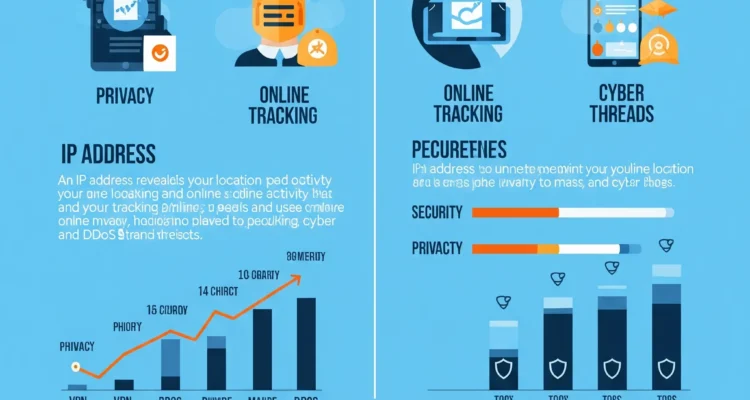
Real-World Examples:
- 🎮 Gaming: Some ban players by IP
- 🏠 Smart Homes: Remote access needs your public IP
- 🚫 Geo-Blocks: Netflix shows vary by IP location
IP Address FAQs (Quick Answers)
Q: Can I change my IP?
✅ Yes!
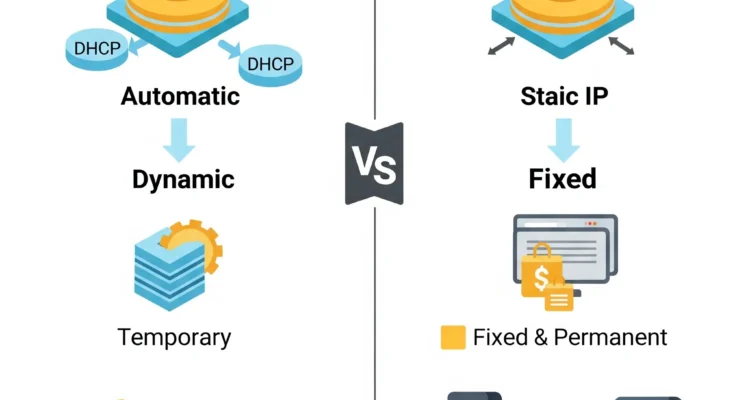
- Dynamic IP: Restart router
- Static IP: Contact ISP
Q: Is my IP dangerous to share?
⚠️ Not usually, but avoid posting it publicly
Q: Why does my IP change?
Most ISPs use dynamic IPs that rotate
Key Takeaways
- Your public IP = your internet “mailing address”
- Find it instantly via Google, IP websites, or commands
- Protect it with VPNs/firewalls for security
⬇️ Check Your IP Now: What is my IP Address